Family Photo Rescue Checklist
What to Scan First, How to Protect the Originals, and How to Keep Them Safe for Good
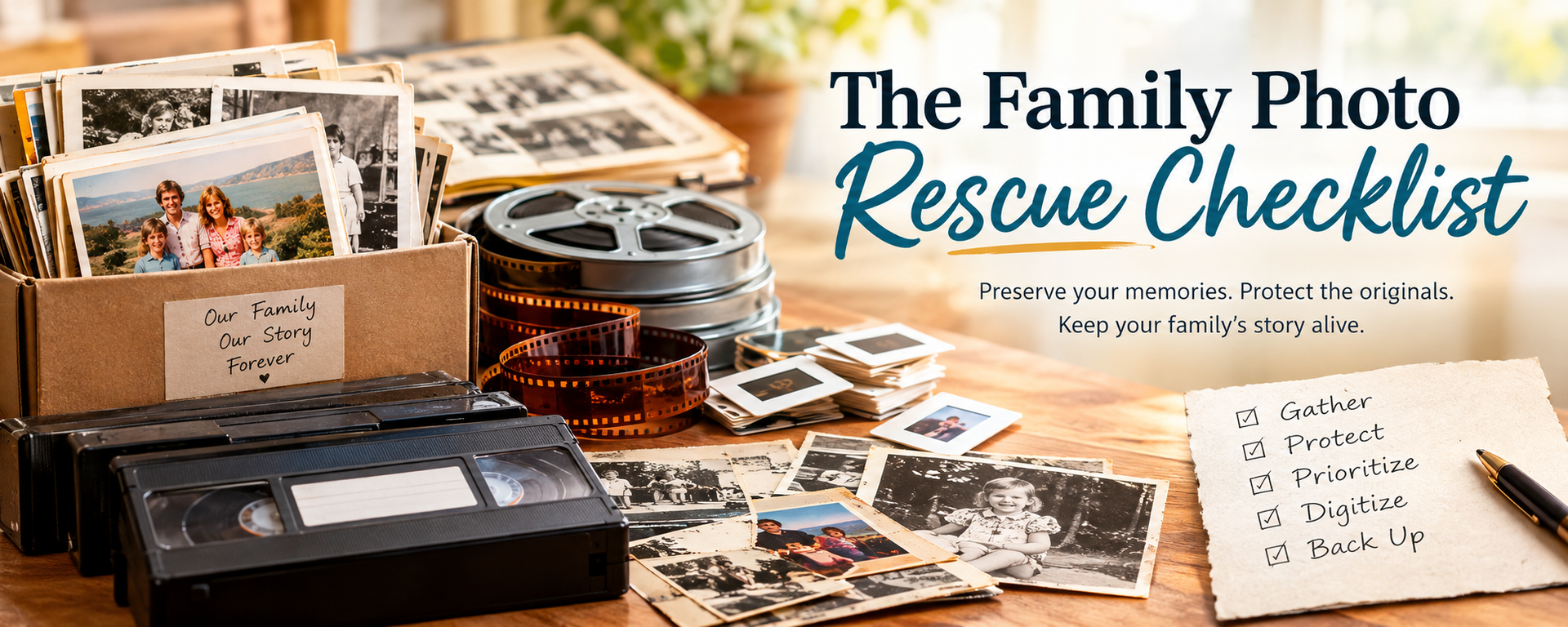
Somewhere in your home there's a box. Maybe it's a shoebox of prints from the '70s, a carousel of slides nobody has projected in decades, or a shelf of VHS tapes labeled "Christmas '89." You've meant to deal with it for years. The hard part isn't caring. It's knowing where to start.
The good news? You don't have to rescue everything at once. You just need an order of operations. This checklist gives you one. In about an hour you can sort what you have, protect what's fragile, and know exactly what to digitize first.
Rather have an expert look first? Bring your collection to Larmon Photo in Abington, PA or Foto Forum in Phoenix, AZ, and we'll help you sort it and plan the rescue. Details are at the end of this post under Request an Archive Assessment.
Why it can't wait much longer
Photos rarely disappear all at once. They fade, curl and stick together. Old "magnetic" album pages yellow and grip the prints. Video tape slowly loses its signal, and the machines that play VHS, Hi-8 and 8mm film are getting harder to find every year. A basement leak or one hot attic summer can undo decades in a weekend. Every year you wait, the rescue gets harder, not easier.
Step 1: Gather and Sort What You Have
You can't plan what you can't see. Pull every box, album, bin and drawer into one room, then sort by format:
- Loose prints: snapshots, school portraits, wallet sizes
- Photo albums: including old "magnetic" sticky-page albums
- Slides and negatives: 35mm, 120, 110, 126, APS
- Home movie film: 8mm, Super 8, 16mm reels
- Video tapes: VHS, VHS-C, Hi-8, MiniDV, Betamax
- One-of-a-kind keepsakes: diplomas, letters, children's drawings, documents
Don't count every photograph. A rough inventory on a sticky note is enough: "About 600 prints, two shoeboxes of slides, and eight video tapes." That one line tells you the size of the project and where to begin.
Step 2: Protect the Originals First
Your originals are irreplaceable. Protect them before you sort or scan anything.
- Move them somewhere stable. Keep boxes out of basements, attics and garages. A closet inside your living space is far better.
- Handle photographs by the edges with clean, dry hands. Avoid tape, glue and paper clips.
- Don't pry stuck photographs apart. If prints are stuck to an album page or to each other, leave them as they are and bring them in.
- Don't play damaged tapes. A moldy, brittle or damaged tape can be harmed further by a single trip through a machine.
- Label as you go. Note names, places and approximate years on the box or envelope, never on the photograph itself.
- Keep the originals. Digital files are copies. They don't replace the physical history of your family.
Step 3: Decide What to Digitize First
Don't start with the oldest box. Start with what's most at risk. Anything fragile, deteriorating, damaged, or the only copy moves to the front of the line.
Priority
What it is
Why it goes first
1 — Now
Damaged, torn, water-stained or badly curling prints
Damage generally gets worse; digitize before considering restoration
1 — Now
Video tapes and home movie film
Older media can deteriorate, and playback equipment is getting harder to find
2 — Soon
One-of-a-kind photographs
With no negative or duplicate, the print may be the only surviving copy
2 — Soon
Prints stuck in old magnetic albums
Adhesives can yellow, stain and damage photographs over time
3 — Next
Slides and negatives
Often more stable, but color can still shift with age
4 — Then
Everyday loose snapshots
Volume matters more than urgency; these digitize efficiently in batches
Not sure which pile is most at risk? That's exactly what an archive assessment is for (see the end of this post).
Step 4: Match Each Pile to the Right Service
At Larmon Photo in Abington, PA and Foto Forum in Phoenix, AZ, our in-house labs handle the formats found in a typical family archive. Pricing is posted openly, and every service has its own online order form.
Loose Everyday Prints → Shoebox Scanning
Built for large quantities of everyday prints, from 2½×3½ up to 8×12, digitized quickly and affordably. Files come on CD, or on a USB drive (buy one from us or bring your own).
Starting at $29.99 for up to 100 prints · See pricing · Start an order
Prints You May Enlarge, Frame or Restore → Archival Scanning
For photographs where detail matters most. Each print is scanned individually at 400, 800 or 1200 PPI, depending on how large you plan to print.
Starting at $4.00 per 4×6 at 400 PPI · See pricing · Start an order
Slides and Negatives → Archival Film Scanning
For 35mm, 120, 110, 126 and APS film, with resolution options up to 2400 PPI.
Starting at $1.00 per 35mm frame · See pricing · Start an order
Faded, Torn, Water- or Sun-Damaged Photos → Photo Restoration
Our technicians repair tears, stains, fading and color loss on a digital copy, so the original is never at risk. We can also remove distractions or improve exposure and color.
8mm, Super 8 and 16mm Reels → Movie Film Transfer
Converts home movie film to MP4 or DVD so you can watch it on a computer or smart TV.
Starting at $0.30 per foot · 400-foot minimum · Learn more · Start an order
VHS, VHS-C, Hi-8, MiniDV, Betamax and DVD → Video Transfer
Converts older video formats to MP4 on USB or to DVD, including NTSC and PAL conversion for tapes from overseas.
Shoebox or Archival?
Choose Shoebox Scanning when you have hundreds of everyday prints and the goal is to get them safely digitized. Choose Archival Scanning for the photographs you may enlarge, restore or frame. Many families do both: Shoebox for the bulk of the collection, Archival for the twenty or thirty that deserve special attention.
Step 5: Back Up Your Digital Memories the Right Way
Digitizing is only half the job. Once your memories are files, the files need protecting too. Follow the 3-2-1 backup rule:
- 3 copies of every important file
- 2 different types of storage, such as a computer and an external drive
- 1 copy stored off-site, in cloud storage or on a drive kept with another family member
A few habits make the archive easy to use years from now:
- Name folders by date and event, for example
1978-04-18 – Grandma's 70th Birthday. Folders then sort in order automatically. - Make copies for family members. Duplicate USB drives make meaningful gifts.
- Check your backups once a year, and move files to new storage every few years. Drives and discs don't last forever.
- Keep the originals. The digital archive protects the memories; the originals remain part of your family's history.
What Does a Family Photo Rescue Cost? A Real Example
Remember the sticky note from Step 1? Here's what that collection could cost using our posted prices.
What's in the box
Service
Cost
600 everyday prints
Shoebox Scanning (501–750 prints)
$158.99
25 favorite 4×6 prints to enlarge or frame
Archival Scanning at 800 PPI ($8.00 each)
$200.00
150 35mm slides
Archival Film Scanning, up to 800 PPI ($1.00 each)
$150.00
Total before video
$508.99
Those eight video tapes would be quoted separately through Video Transfer. Your collection will be different, which is why every price is posted online and why we're glad to look at it with you first.
Your Family Photo Rescue Checklist
Print this downloadable PDF Checklist and keep it with the boxes.
Gather
- Pull every box, album and bin into one place
- Sort into prints, albums, slides/negatives, film reels, video tapes and keepsakes
- Write a rough count on each pile
Protect
- Move everything out of the basement, attic or garage
- Set aside anything torn, stuck, faded or water-damaged
- Label boxes with names, places and years
- Don't play tapes that look moldy or damaged
Prioritize
- Damaged prints and one-of-a-kind photographs first
- Video tapes and movie film next
- Slides and negatives after that
- Everyday snapshots in bulk
Digitize
- Shoebox Scanning for everyday prints
- Archival Scanning for photographs where detail matters
- Photo Restoration for damaged or faded treasures
- Video/Movie Transfer for tapes and film reels
Back up
- Keep 3 copies on 2 types of storage, with 1 off-site
- Name folders by date and event
- Make copies for family members
- Check backups every year
- Keep the originals
Frequently Asked Questions
Do I get my original photos back? Yes. Your originals come back to you along with your digital files. Restoration work is always done on a digital copy, so the original is never at risk.
How will I receive my files? Shoebox Scanning includes your images on CD, and additional CDs are $5.99 each. We can also save your files to a USB drive, either one you buy from us or one you bring in. Video and film transfers come as MP4 files on USB or as DVDs.
How should I prepare my photos for scanning? Call either store before you drop off. We'll walk you through how to prepare your photos so the job goes smoothly.
What resolution should I choose for archival scans? It depends on how large you plan to print. Higher resolution captures more detail for enlargements. If you're unsure, ask us. We'll match the resolution to what you plan to do with the photo.
Can you transfer tapes recorded overseas? Yes. We convert between NTSC and PAL formats, so tapes from abroad (or heading abroad) can be transferred.
Is there a minimum for movie film transfers? Yes. Movie film transfers to MP4 start at $0.30 per foot, with a 400-foot minimum order.
Request an Archive Assessment
You don't have to tackle your whole collection in one weekend. Start with one box. One album. One shoebox of photographs. Once you know what you have and what condition it's in, the rest gets much easier.
1. Get the checklist. Download the printable Family Photo Rescue Checklist and keep it with your boxes as you sort.
2. Bring your collection in. Visit either store and we'll look through what you have with you. We'll help you spot what needs attention first and recommend the right services before you spend a dollar.
Larmon Photo · 1621 Old York Rd., Abington, PA 19001 · (215) 887-1248
Foto Forum · 4834 N 7th Street, Phoenix, AZ 85014 · (602) 263-0084
3. Or order online now. Every service has transparent pricing and its own order form. Browse everything on our Store Services page, or start here:
- Start a Shoebox or Archival Scanning order
- Start a Photo Restoration order
- Start a Video/Movie Transfer order
Your family's photos have waited long enough. Let's rescue them before time gets another chance.
Check Out & Share Our Social Media
Stay in touch
Keep up with our latest news